Summarize with:
read in < 1 min


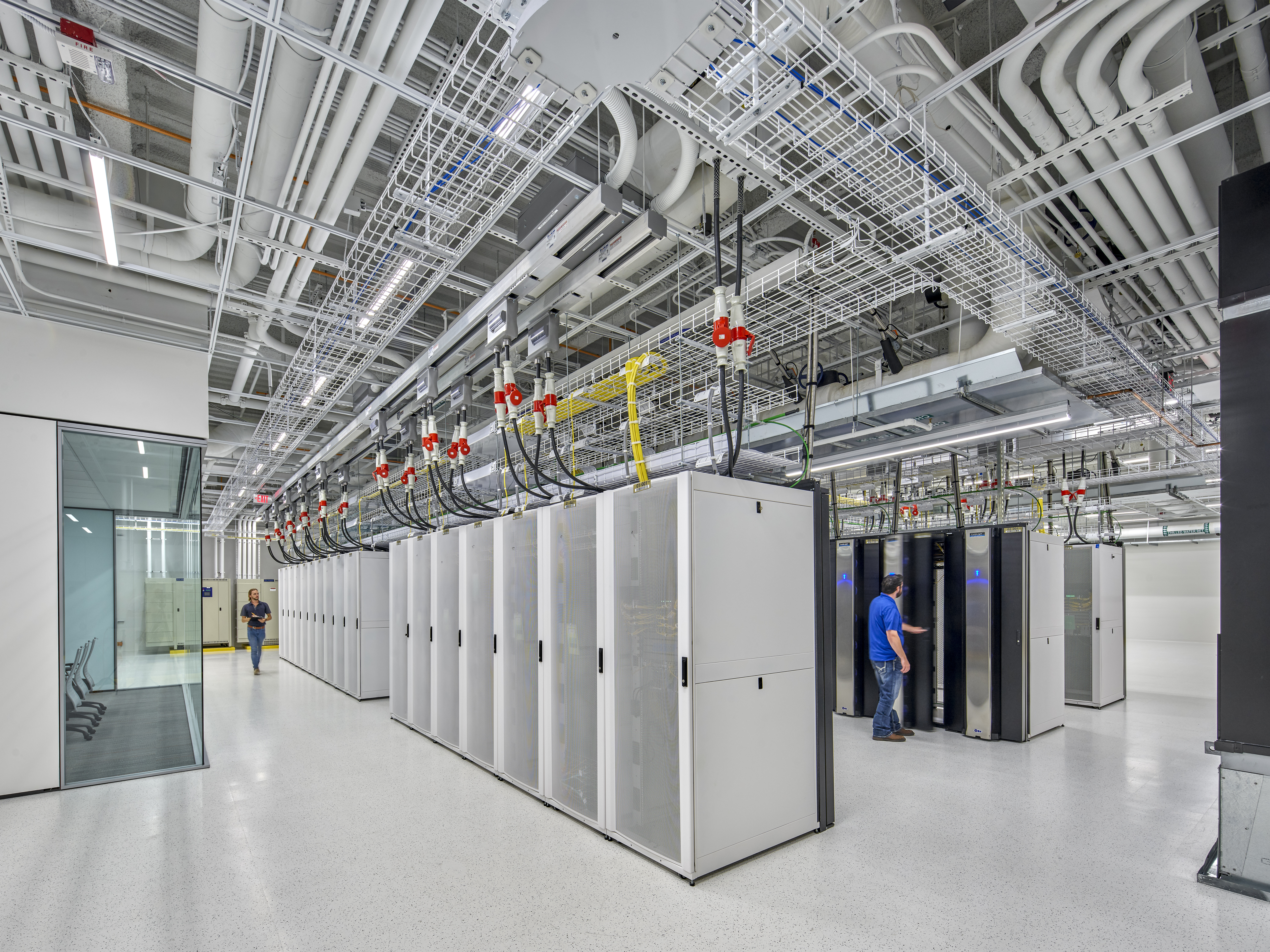
In IT, the term remote hands refers to a form of managed IT usually offered by data center providers. On-site technicians assist data center customers with tasks that require the use of a person’s hands (and hence cannot be performed remotely). Here is a quick guide to what you need to know about remote hands in IT.
Types of services offered by remote hands
Remote hands typically offer a wide range of physical support services. The main ones generally include the following.
- Data center management (monitoring and maintaining equipment)
- Hardware support (troubleshooting and maintenance)
- Network support (configuring and maintaining network devices)
- Rack and stack services (installing servers, storage, and network equipment)
- Cable management (organizing and maintaining cabling)
- Disaster recovery (assisting in data and systems recovery)
- Power management (monitoring power and cooling systems)
- Security management (implementing and maintaining security measures)
Benefits of using remote hands
The benefits of using remote hands are much the same as the benefits of using any other sort of managed IT solution. Here are the three key ones.
Lower management overhead
With any sort of managed solution, you agree on outcomes with the vendor. It then becomes the vendor’s responsibility to ensure that those outcomes are delivered. This is particularly valuable in IT because it pushes staffing responsibilities onto the vendor.
Even in challenging economies, IT staff are often in high demand. If one employer is laying them off, then others are recruiting. With managed IT, recruiting, retaining, and managing skilled technicians is the vendor’s challenge, not the client’s.
Predictable costs
If you are using remote hands on a rolling contract, you will know what you will be charged and when for the duration of the contract. Even if you only use remote hands on an ad hoc basis, you will still know exactly what you will pay for each task. This is not necessarily the case with in-house staff. They will have absences that will create extra costs for you.
Increased efficiency
Using remote hands often tends to be more efficient than using your own staff. Remote hands are on site anyway (or at least local). They are literally ideally placed to perform tasks in a data center. What’s more, they can often perform them at very short notice.
If you use your own staff, you either have to have them travel there or have them permanently located away from your main location. Using remote hands can also make it a lot easier to scale your business. Again, this is because staffing is the vendor’s challenge, not yours.
Access to expert knowledge of hardware
Overall, modern IT is very much focused on applications and, hence, software. At the end of the day, however, all software has to sit on some form of hardware. This means businesses do still need access to people who understand that hardware.
Challenges of using remote hands
As with managed IT in general, there are some challenges to using remote hands. These can all be overcome, and it will help to be prepared for them.
Trust and security
There may be concerns about the security of sensitive information or equipment when relying on remote hands.
Communication difficulties
Communication with remote hands can sometimes be challenging, especially when working in different time zones or languages.
Cost
If you are using remote hands on a contractual basis, then you need to make sure that the contract you sign really reflects your needs, wants, and budget. You also need to think about how to manage changes as your business develops. If you’re using remote hands on an ad-hoc basis, then you need to make sure that you’re really using their time effectively.
How to choose the right remote hands service provider
When choosing a remote hands service provider, consider the following factors.
Security
It’s vital that the provider has strong security measures in place to protect your data and equipment.
Technical expertise
Ensure that the provider’s skill set is a good fit for your needs. Ideally, your provider should still be able to support you as your business develops in the future. If they can’t, then there should be a straightforward way to exit your contract.
Availability and response time
Make sure the provider offers 24/7 support and has a quick response time in case of any emergency or technical issue.
Reputation
Research the provider’s reputation and read reviews from previous clients to get a better understanding of their services.
Communication
Check which communication options the provider supports and in what way. For example, are phones staffed 24/7 or only during working hours?
Cost
Compare prices and services offered by different providers to find a cost-effective solution that meets your needs.