Summarize with:
read in < 1 min


Artificial intelligence and machine learning workloads are fundamentally different from traditional enterprise applications. Training large language models, running inference at scale, and processing massive datasets require infrastructure that most data centers and cloud deployments cannot provide efficiently.
The numbers tell the story: A single NVIDIA H100 GPU can consume 700 watts. A standard AI training cluster with 256 GPUs requires 180+ kilowatts of power and generates heat that would overwhelm conventional cooling systems. Meanwhile, organizations running these workloads in public cloud face costs exceeding $3-5 million annually, while colocation can deliver for a fraction of that expense.
This comprehensive guide explains exactly what AI workloads demand from infrastructure, why traditional data centers fall short, and how purpose-built colocation environments solve the power, cooling, and density challenges that make or break AI initiatives.
AI workloads differ fundamentally from traditional enterprise applications in three critical ways:
Computational Intensity: Training a modern large language model requires petaflops of computing power sustained over weeks or months. Inference serving processes millions of requests requiring immediate responses.
Data Movement: AI applications constantly move massive datasets between storage, memory, and processors. A single training run might process petabytes of data.
Resource Concentration: Unlike distributed web applications, AI workloads concentrate enormous compute density in small physical spaces, often 10-50x the power density of traditional servers.
These characteristics create infrastructure demands that expose the limitations of both traditional data centers and public cloud platforms.
Public cloud providers market themselves as ideal for AI workloads. The reality is more complex:
Cost Structure Breakdown: A typical AI training cluster with 8 NVIDIA H100 GPUs costs approximately $30-50 per hour in major cloud platforms. Running continuously, that’s $260,000-$440,000 annually. Scale to realistic production requirements of 64+ GPUs, and annual costs easily exceed $2-3 million.
Performance Tax: Cloud virtualization adds overhead that matters enormously for AI. GPU passthrough, network latency, and storage I/O limitations reduce effective performance by 15-30% compared to bare-metal deployments.
Availability Constraints: GPU instances face constant availability issues. Organizations report waiting days or weeks to access required capacity, disrupting research timelines and production deployments.
Data Egress Economics: Training data and model updates generate massive data movement. Cloud egress fees, often costing $0.08-$0.12 per gigabyte, add tens of thousands in unexpected costs monthly.
These factors drive sophisticated AI organizations toward colocation-based infrastructure where they control costs, performance, and availability.
Modern AI accelerators consume dramatically more power than traditional servers:
NVIDIA H100: 700W per GPU NVIDIA A100: 400W per GPU
AMD MI300X: 750W per GPU Google TPU v5: 450W per chip
A single 42U rack populated with 8 GPU servers (4 GPUs each) can easily exceed 25-30 kilowatts, which is 5-10x typical server rack power draw.
Traditional data centers are designed for 5-8 kilowatts per rack. AI infrastructure routinely requires:
Standard AI Deployment: 15-25 kW per rack High-Density AI: 30-50 kW per rack Extreme Density: 60-100+ kW per rack (liquid-cooled systems)
Most existing facilities cannot support these densities without major electrical infrastructure upgrades costing millions and taking months to complete.
AI infrastructure requires robust electrical distribution:
Redundant Power Feeds: N+1 or 2N redundancy ensures uptime during maintenance or failures
High-Voltage Distribution: 415V or 480V reduces conductor size and improves efficiency
Intelligent PDUs: Real-time monitoring and remote switching capability
Busway Systems: Flexible power distribution supporting changing rack configurations
Step 1: Determine GPU quantity and model
Step 2: Add server infrastructure power (motherboard, CPU, memory, storage)
Step 3: Include networking equipment (switches typically 500-1000W each)
Step 4: Apply power supply efficiency factor (typically 90-95%)
Step 5: Add 20% headroom for growth and redundancy
Example Calculation:
This cluster requires sustained 38 kW capacity, which is impossible in most traditional colocation environments.
Every watt of power consumed generates heat that must be removed. High-density AI infrastructure generates concentrated heat loads that overwhelm traditional cooling approaches.
Traditional Air Cooling Limits: Conventional raised-floor cooling works up to approximately 15-20 kW per rack. Beyond this threshold, hot spots develop even with containment systems.
The Physics Challenge: Air has limited heat capacity. Moving enough air to cool 30+ kW racks requires massive airflow, creating noise, turbulence, and inefficiency.
1. Optimized Air Cooling (Up to 25 kW/rack)
Enhanced air cooling with hot/cold aisle containment, in-row cooling units, and optimized airflow can support moderate AI density:
Advantages: Familiar technology, lower upfront cost
Limitations: Maximum ~25 kW per rack, higher operational costs, noise
2. Direct-to-Chip Liquid Cooling (30-60 kW/rack)
Cold plates mounted directly on processors transfer heat to circulating liquid:
Advantages: Supports extreme density, quieter operation, improved energy efficiency
Limitations: Higher complexity, specialized maintenance skills required
3. Immersion Cooling (60-100+ kW/rack)
Servers submerged in dielectric fluid that doesn’t conduct electricity:
Advantages: Maximum density, minimal acoustic signature, extreme efficiency
Limitations: Specialized equipment, complex operations, limited vendor ecosystem
Effective AI cooling requires facility-level capabilities:
Chilled Water Capacity: Minimum 2-5 megawatts of cooling capacity
Redundancy: N+1 chillers and pumps ensure continuous operation
Temperature Control: Precision cooling maintaining narrow temperature bands
Monitoring Systems: Real-time temperature sensing with automatic alerts
Emergency Procedures: Clear protocols for cooling system failures
Standard Racks (42U): Traditional 19-inch racks accommodate most AI servers but may limit cooling options
Deep Racks (48″+ depth): Accommodate larger servers and rear-door heat exchangers
Open Racks: Improved airflow for air-cooled high-density deployments
Enclosed Racks: Better containment for liquid-cooled systems
AI deployments require more than just rack space:
Hot/Cold Aisle Containment: Enclosed aisles separating cold supply air from hot exhaust
Cooling Infrastructure: Space for in-row cooling units or CDUs
Maintenance Clearance: Adequate space for accessing both front and rear of equipment
Cable Management: Overhead or underfloor pathways for power and network cabling
A 32-rack AI deployment might require 2,000-3,000 square feet, including support infrastructure, not just the 500-600 square feet of the racks themselves.
AI workloads generate extreme network traffic:
Training Workloads: Multi-terabit internal connectivity for distributed training
Inference Serving: High-throughput, low-latency connections for request processing
Data Loading: Fast storage network for dataset access
Network Requirements:
This demands:
Requirements:
Infrastructure Design:
Cost Comparison:
Requirements:
Infrastructure Design:
Benefits:
Requirements:
Infrastructure Design:
Advantages:
DataBank’s Data Center Evolved™ platform addresses AI infrastructure challenges:
Power Capacity: Facilities designed from the ground up support 30-60+ kW per rack with room for growth. Advanced electrical infrastructure, including high-voltage distribution and intelligent monitoring.
Advanced Cooling: DataBank supports multiple cooling technologies:
Flexible Deployment Options: Start with a few racks and scale to private suites or dedicated facilities as AI initiatives grow. No long-term lock-in or forced migration.
Strategic Locations: With 75+ data centers across key U.S. metros, DataBank positions your AI infrastructure near:
High-Density Racks: Support for extreme power densities with appropriate cooling
GPU-Optimized Networking: High-speed switches and structured cabling
Storage Solutions: SAN and object storage for training data and model repositories
Cloud Connectivity: Direct connections to major cloud providers for hybrid AI workflows
Security: Physical and network security meeting enterprise and regulatory requirements
The University of Maryland needed HPC infrastructure for AI research, but faced:
DataBank Solution:
Results:
1. Power Infrastructure
2. Cooling Capabilities
3. Network Ecosystem
4. Physical Security
5. Compliance Certifications
6. Technical Expertise
7. Financial Stability
Increased Power Density: Next-generation GPUs will push power requirements even higher. NVIDIA’s upcoming architectures suggest 900-1000W per GPU.
Liquid Cooling Becomes Standard: As densities exceed air cooling limits, direct-to-chip and immersion cooling will become mainstream rather than exotic.
Edge AI: Inference workloads move closer to users, requiring distributed AI infrastructure in more locations.
Quantum Integration: Early quantum computing systems will integrate with classical AI infrastructure for hybrid quantum-classical algorithms.
Sustainability Focus: Energy efficiency and renewable power become critical differentiators as AI power consumption grows.
AI infrastructure isn’t traditional IT at higher density; it’s a fundamentally different challenge requiring specialized facilities, cooling technologies, and expertise. Organizations that underestimate these requirements face deployment delays, cost overruns, and performance limitations that handicap their AI initiatives.
Colocation with an AI-capable provider offers the best of both worlds: infrastructure purpose-built for extreme density without the capital expense and long timelines of building your own facility, and without the cost explosion and performance compromises of public cloud.
DataBank’s AI-Ready Infrastructure delivers the power capacity, advanced cooling, network connectivity, and expert support that make AI initiatives successful. With 75+ facilities nationwide and proven experience deploying extreme-density computing environments, DataBank is the partner sophisticated AI organizations trust.
Ready to deploy your AI infrastructure? Contact DataBank to discuss your requirements and schedule a tour of our AI-ready facilities. Our infrastructure architects will work with you to design the optimal deployment for your specific needs.

Sign Up For Our Resource Library
Enjoying our resource? Get the latest news and articles delivered straight to your inbox.
Can’t see the form? Click here.
Share Article
Popular Categories
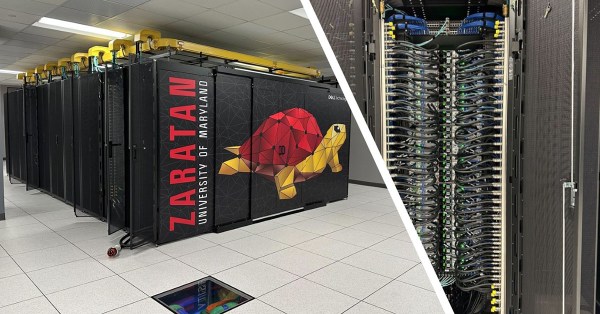
The University of Maryland, a world-class research institution with a strong commitment to solving global challenges, faced a critical issue in maintaining 24x7 power and cooling for its on-campus data centers supporting High-Performance Computing (HPC). They found a reliable partner in DataBank.
AI has moved beyond experimentation to deliver real ROI. This video explores how enterprises are rethinking infrastructure: balancing cloud, colocation, and on-prem, while overcoming integration and scaling challenges. Discover how customized models and decentralized inference are shaping the next phase of enterprise AI.
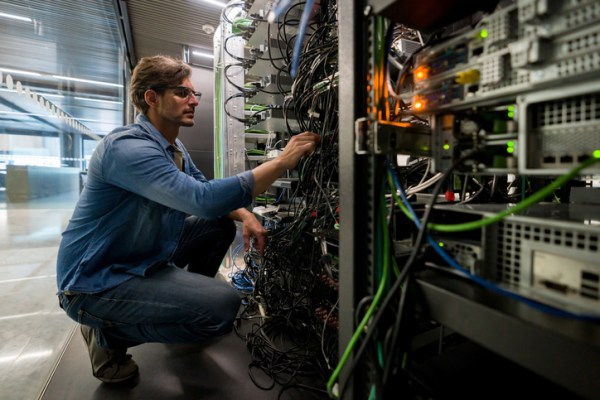
Explore the use of artificial intelligence in data center management. Gain an overview of artificial intelligence, data centers, and data center management. Find out what tasks are best suited for AI-powered automation. Learn five key best practices for successfully implementing AI in data center management.
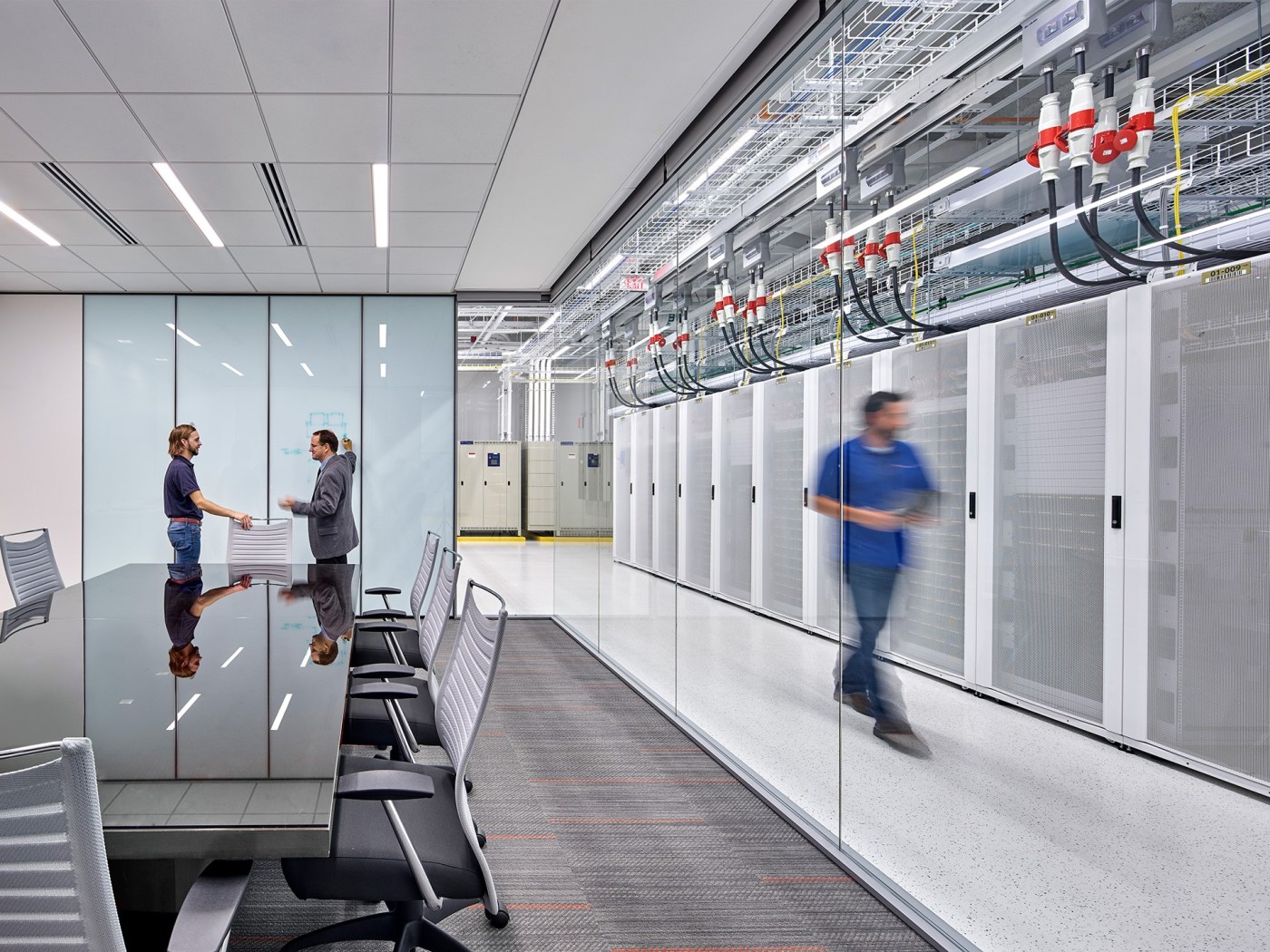
Discover the DataBank Difference today:
Hybrid infrastructure solutions with boundless edge reach and a human touch.
Tell us about your infrastructure requirements and how to reach you, and one of our team members will be in touch shortly.
Can’t see the form? Click here.
Let us know which data center you'd like to visit and how to reach you, and one of our team members will be in touch shortly.
Can’t see the form? Click here.
Enjoying our resource? Get the latest news and articles delivered straight to your inbox.
Can’t see the form? Click here.
Can’t see the form? Click here.